

1
Wait for the desk to review your configuration
We’ll email you once the desk has reviewed your configuration, usually within 48 to 72 hours. Your progress is saved, so you can choose Save & Exit and come back later.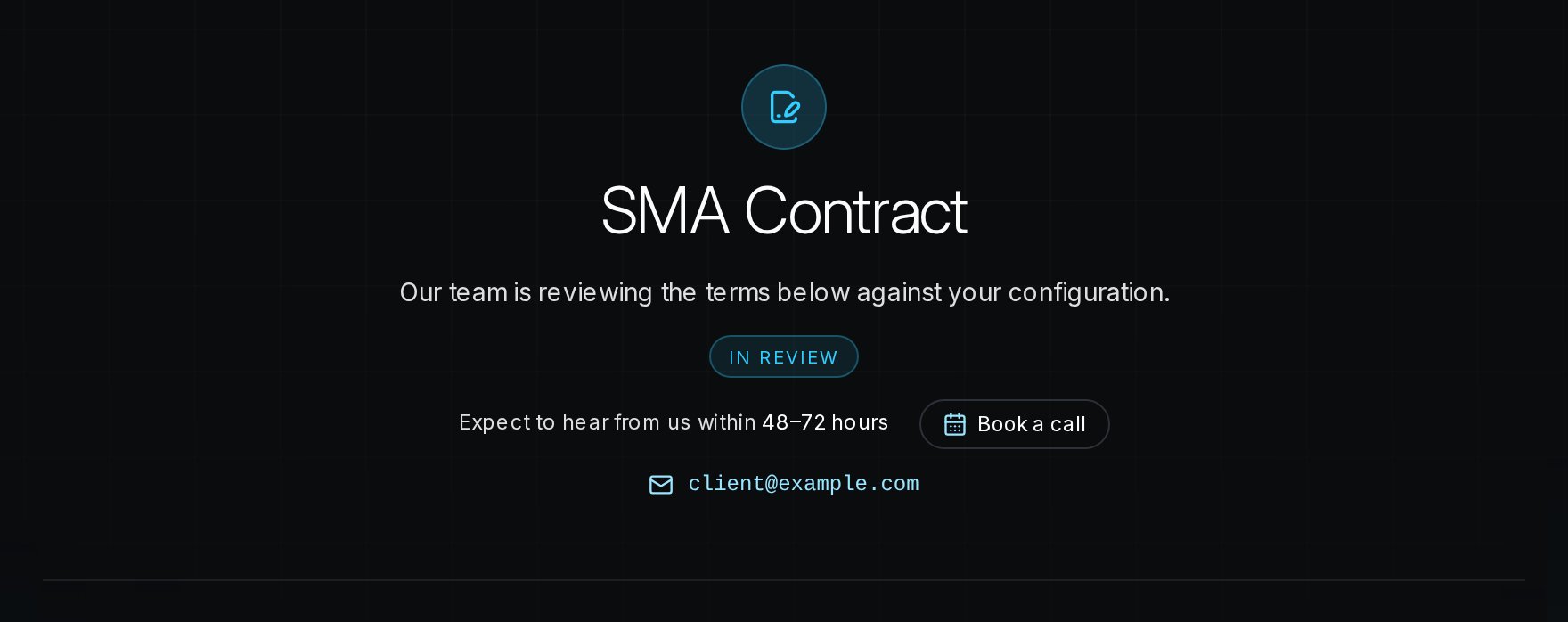
2
Sign the agreement
When the step shows Approved, choose Review and sign the agreement and sign in DocuSign. Once you’ve placed all your signatures, DocuSign brings you straight back.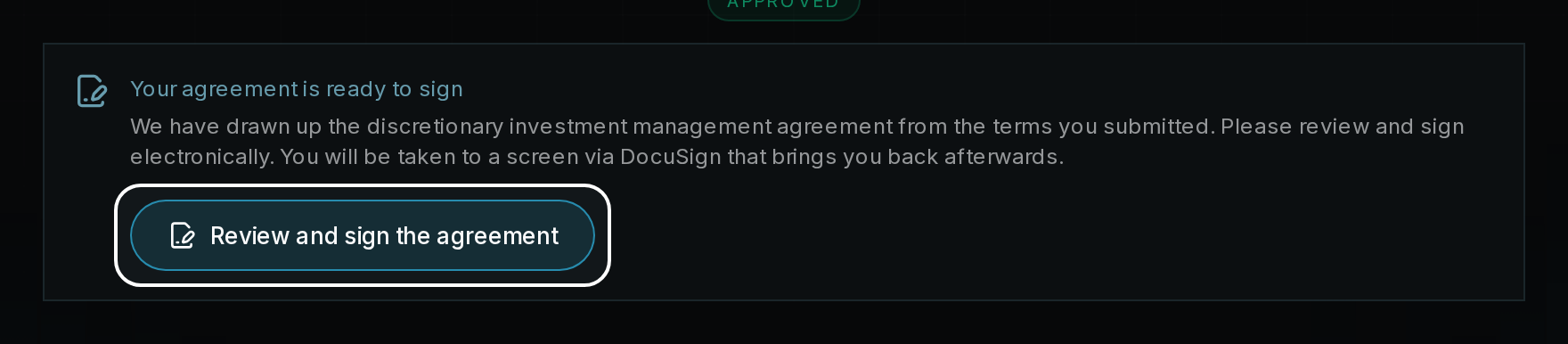
3
Continue to Credentials
Once the step shows Agreement signed, choose Continue to go to Step 4: Credentials. We countersign the agreement separately and email you when your executed copy is ready to download from Settings → Agreements.