

1
Open the strategy
Go to Strategies and open a strategy under CeFi. In Venues & Terms, check its Minimum deposit and Min. fee tiers.
2
Enter your initial allocation
Enter your Initial allocation in Manage position. This tells us how much you intend to allocate; the money stays in your own exchange sub-accounts.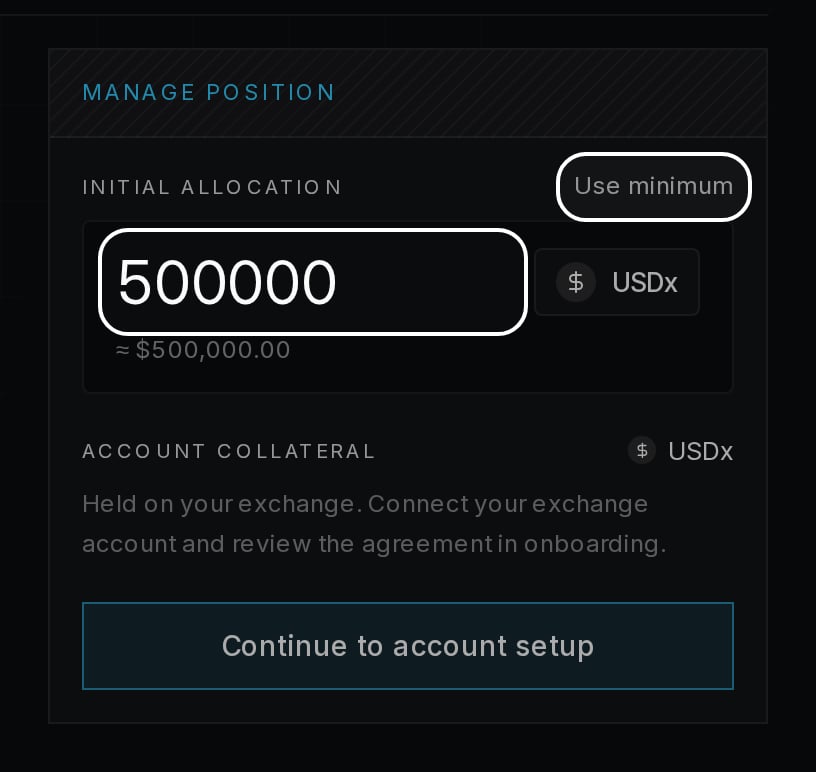
3
Continue to account setup
Choose Continue to account setup to open the setup wizard.