

1
The desk checks your setup
Your account shows In Review in Manage accounts while the desk verifies your keys and settings. If a key or setting needs fixing, we email you or send the setup back with the changes requested, so you can fix it and resubmit. Most often it’s the IP whitelist (see API key problems).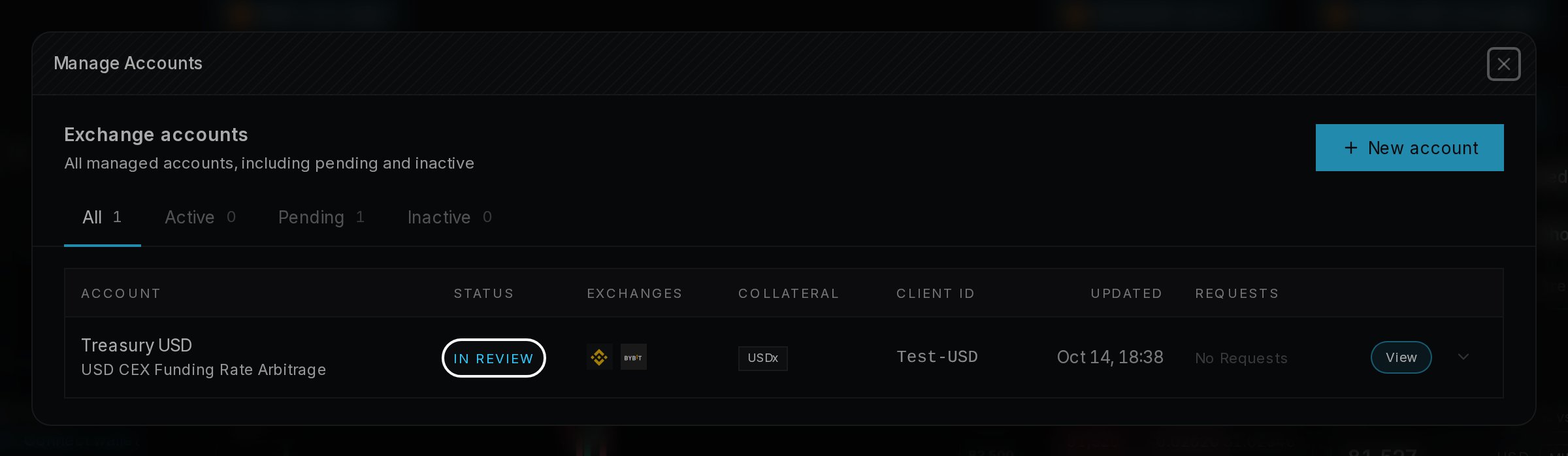
2
Fund the sub-accounts
Once your credentials are in, please fund the sub-accounts with your initial allocation, split evenly across the strategy’s exchanges, through your prime broker. The account can’t go live until they’re funded.
3
Your account goes live
If everything is correct, the account goes live within about 72 hours. You’ll get the email “Your account is live”, and the account appears on the Portfolio page.
4
Download your agreement
Once the desk has countersigned your SMA, you’ll get the email “Your executed agreement is ready” and can download it from Settings → Agreements. Until then, the agreement shows Awaiting countersignature.